
Measuring Sales Rep Performance: A Practical Guide
Learn how to measure sales rep performance with clear metrics, consistent reporting, and Talkty’s dashboard and reports for your sales team.
By Emily Carter · · 6 min read

Measuring sales rep performance is more useful when you look beyond a single sales total. A clear view can include revenue, progress through the sales funnel, follow-up activity, and response times. Talkty brings rep performance and related sales measures into its Overview and Reports, helping small businesses review results with consistent definitions.
Choose measures that answer a business question
Start by deciding what you want to understand. Are deals getting stuck at a particular stage? Are leads turning into won sales? Are customers waiting too long for a first reply? Different questions call for different measures, so avoid treating one number as a complete picture of a rep’s work.
Talkty’s sales reports include the sales funnel, stage-to-stage conversion, sales velocity, bottleneck analysis for stuck cards, won and lost opportunities, loss reasons, lead sources, and rep performance. Messaging reports include first response time and a channel breakdown. These measures can help you review both outcomes and the steps that lead to them.
For example, if a rep has fewer won opportunities than expected, the funnel and bottleneck views can help you see whether cards are not progressing. If leads are reaching the team but taking a long time to receive a first response, the messaging report can help identify that issue. For a closer look at how stage changes fit together, read Analyzing Sales Conversion Funnels.
Step by step: review rep performance in Talkty
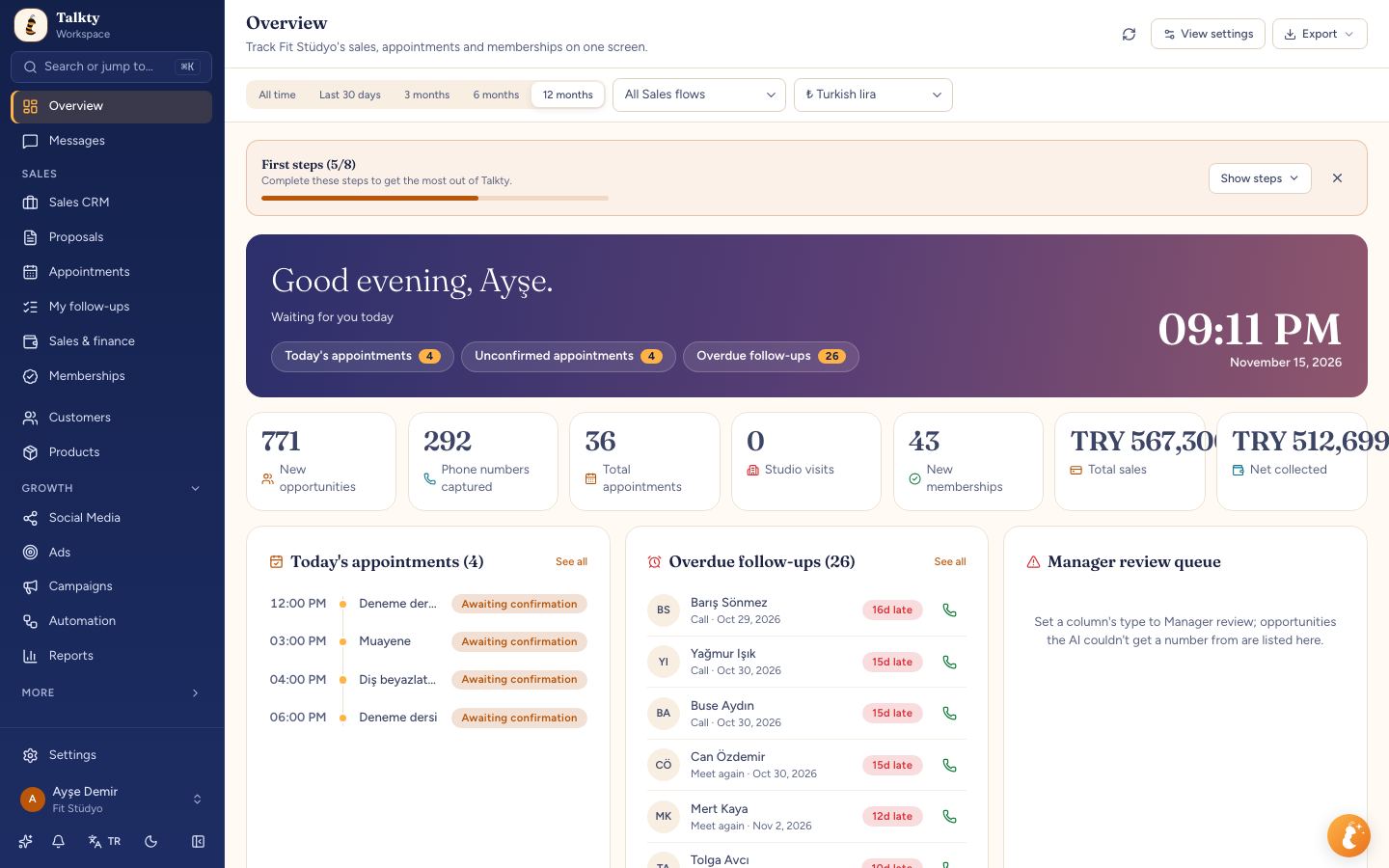
Use the Overview for a quick review, then open Reports when you need a more detailed breakdown.
- Open Overview and choose a period. The period picker offers All time, Last 30 days, 3 months, 6 months, and 12 months. The selected period changes the figures at the top, the sales funnel, rep performance, the financial summary, and recent sales. All time includes every record and has no start date.
- Check the rep performance figures. Use them as a starting point, not as a standalone verdict. The Overview’s sales amount credits a sale to the person who made the sale in Finance.
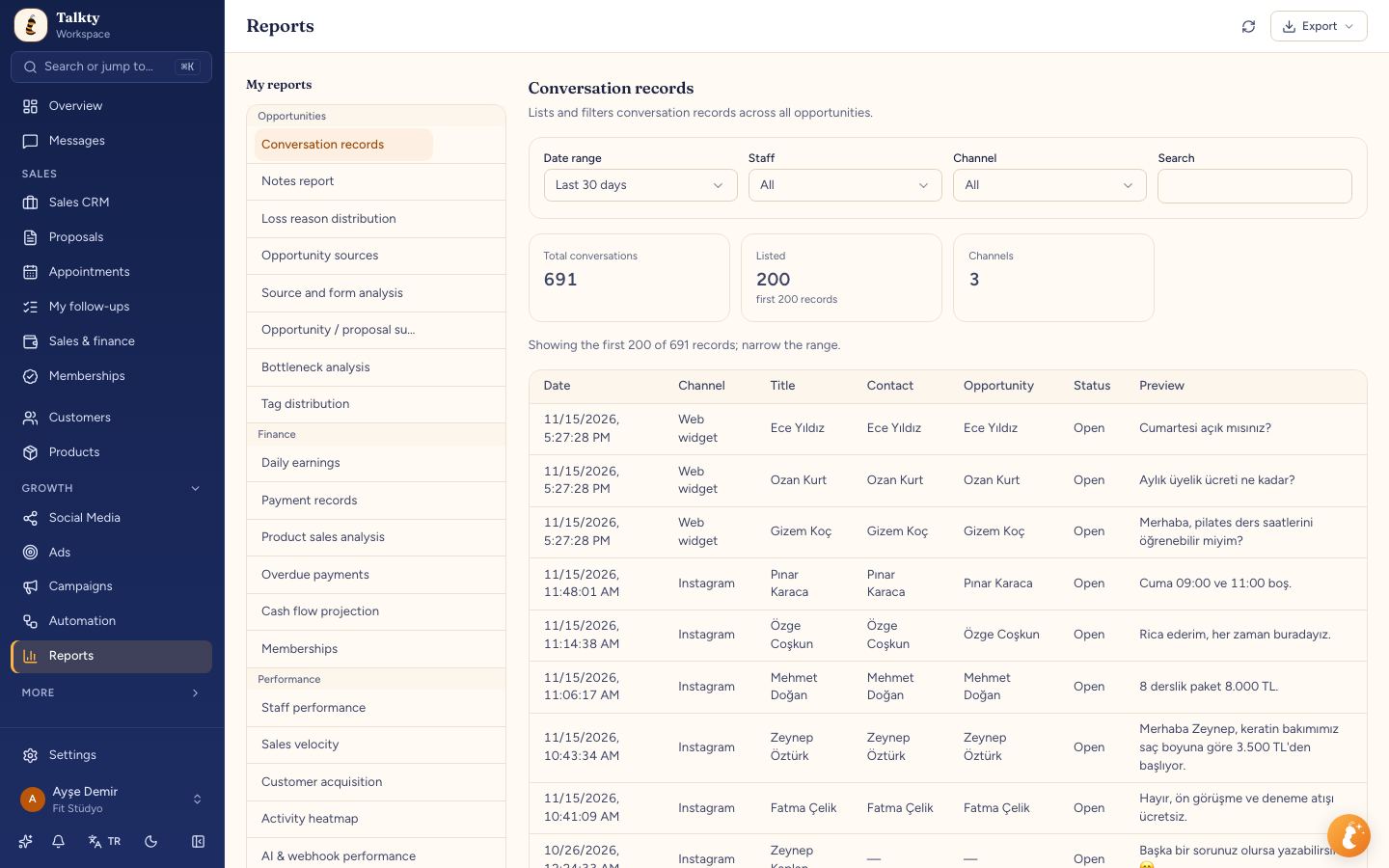
- Open Reports for more detail. Review the sales report types that match your question: funnel and stage-to-stage conversion, velocity, stuck cards, won and lost opportunities, loss reasons, lead sources, and rep performance.
- Compare the same period and definitions. Reports and the Overview count the same things in the same way, but the attribution used for rep figures can differ by screen. Keep that distinction in mind when comparing totals.
- Review the pattern and decide on a next step. Look for a stage where cards are stuck, a change in won or lost outcomes, or a response-time issue. Use the finding to guide a focused team conversation or follow-up plan.
Understand how revenue is counted
Talkty defines revenue in Reports and the Overview as the value of won opportunities, excluding records in the trash. If a sale is cancelled or refunded in Finance, the opportunity is not counted as revenue and is treated as lost.
That definition is used for several report views, including opportunity sources, source and form analysis, opportunity or proposal summaries, period comparisons, and staff performance. It gives the team a consistent basis for looking at sales outcomes.
There is an important difference in how rep revenue is credited. In Reports › Staff performance, revenue is credited to the owner of the customer card. On the Overview, sales rep performance credits the sales amount to the person who made the sale in Finance. The same sale can therefore appear under different people on these two screens. If the figures do not match by rep, check which screen you are viewing and how it assigns credit before drawing conclusions.
Pair results with sales activity
A won deal is an outcome, but it does not explain what happened along the way. Use funnel stages, sales velocity, and bottleneck analysis to see whether opportunities are progressing or sitting in a stage. Won and lost results and loss reasons add context to the final outcome, while lead-source reporting helps show where opportunities came from.
For a practical review, look at one question at a time. If cards are stuck, discuss the stage and the next action needed. If opportunities are being lost, review the recorded reasons. If one lead source is producing different outcomes, compare that source with the rest of the funnel rather than relying only on the final sales total.
Talkty’s Sales CRM stores customers as cards on drag-and-drop boards, with follow-up plans, reminders, and a dated activity history. This gives the team a place to keep track of next steps and past interactions while reviewing the sales process. For more on keeping those records organized, see Organizing Customer Info in a Sales CRM with Talkty. For follow-up planning, Reminder Systems for Sales Teams covers a related part of the process.
Use response time as a service measure
Sales performance also depends on how conversations are handled. Talkty’s messaging reports show first response time and channel breakdown, as well as the share of replies handled by AI versus manually. These measures can help a manager understand how quickly customers receive an initial reply and which channels contribute to incoming conversations.
Talkty’s shared inbox brings WhatsApp, Instagram, Messenger, and web chat into one list. Conversations can be assigned and tagged so the team can keep messages organized. The AI assistant can answer questions using your website and documents, then hand a conversation to the team when needed. When reviewing response performance, consider both the first response measure and the way conversations are routed between AI and staff.
Set access and review reports consistently
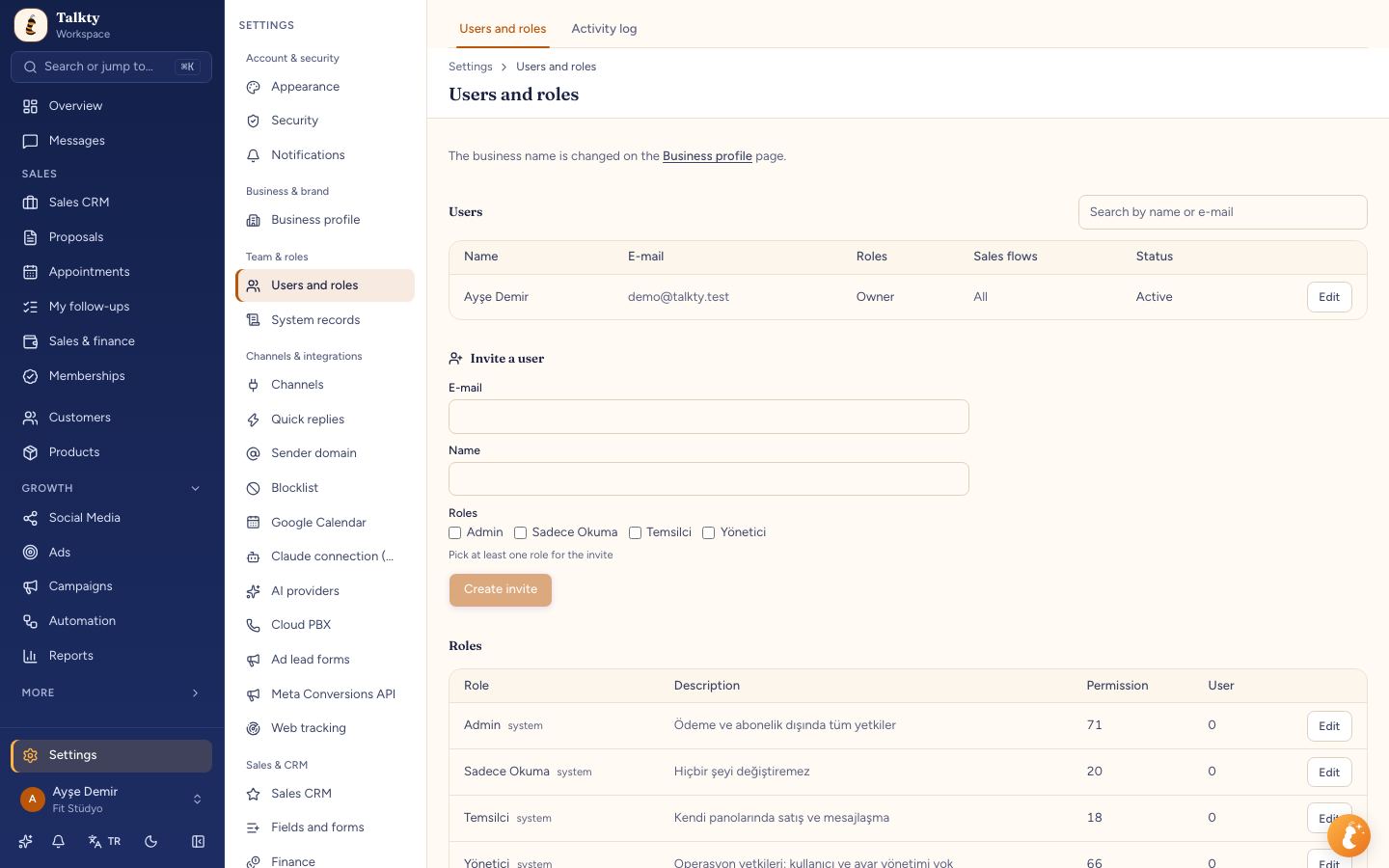
Performance information should be visible to the people who need it. Talkty’s roles and permissions let an account owner decide what each user can view or manage. Sales CRM permissions are set separately from Sales CRM settings, so giving a rep access to a sales flow does not automatically give them access to the general CRM settings.
Finance visibility also affects what a user can see. A role without Finance › View does not show sales amounts on the Overview, including the sales amount in rep performance. A role with Finance view but not Finance manage can be limited to the user’s own sales, with an optional Days back limit. The account owner and roles with Finance manage can see everything. Check these permissions before asking a teammate to compare figures they may not be allowed to view.
A simple routine for performance reviews
Keep each review focused. Choose the period, check the Overview, and open the relevant Reports view for context. Confirm whether the question is about card ownership or the person who made the sale in Finance. Then review the funnel, stuck cards, outcomes, lead sources, or response time that best explains the result.
This approach makes the conversation more practical: identify what the report shows, agree on a next step, and use the same measures in the next review. Talkty also supports scheduled report emails, so reports can be sent on a schedule for ongoing review.
Summary
Measuring sales rep performance means choosing measures that fit the question, using a consistent period, and understanding how each screen credits revenue. Talkty’s Overview and Reports bring together rep performance, funnel progress, outcomes, lead sources, and response times. Check the definitions and access permissions before comparing results, then use the findings to guide specific next steps.
Frequently asked questions
- Which sales rep performance measures can I review in Talkty?
- Talkty includes rep performance, sales funnel and stage-to-stage conversion, sales velocity, bottleneck analysis, won and lost opportunities, loss reasons, lead sources, and messaging first response time.
- Why might rep figures differ between Overview and Reports?
- The Overview credits the sales amount to the person who made the sale in Finance. Reports › Staff performance credits revenue to the customer card owner, so the same sale can be attributed to different people.
- How does Talkty define revenue in its reports?
- Revenue is the value of won opportunities, excluding records in the trash. An opportunity with a sale cancelled or refunded in Finance is not revenue and counts as lost.
- What does the Overview period picker change?
- It changes the figures at the top, the sales funnel, rep performance, the financial summary, and recent sales. Available choices include All time, Last 30 days, 3 months, 6 months, and 12 months.
- Can permissions affect whether a rep sees performance amounts?
- Yes. A user without Finance › View does not see sales amounts on the Overview, including the amount in rep performance. Finance visibility can also be limited to a user’s own sales.
Emily Carter